Whether you are a solo content creator, a freelance designer, or a small business owner, visual content is essential for getting noticed. Canva has transformed graphic design by allowing anyone to create professional graphics without mastering complex software like Photoshop or Illustrator.
However, once you start designing, you quickly encounter Canva’s paywall: premium templates with watermarks, locked AI tools, and the crown icon next to advanced design features.
This leads to the big question: Canva Free vs Pro — is upgrading really worth your money, or can you get by with the free version?
In this comprehensive guide, we compare Canva Free and Pro, analyze the real difference between Canva Free and Canva Pro, examine Canva pricing, explore team and business tiers, and help you determine which plan fits your workflow.
Quick Summary: Canva Free vs Pro at a Glance
If you are pressed for time, here is how the two primary tiers compare side-by-side:
| Feature / Capability | Canva Free (Basic) | Canva Pro (Paid) |
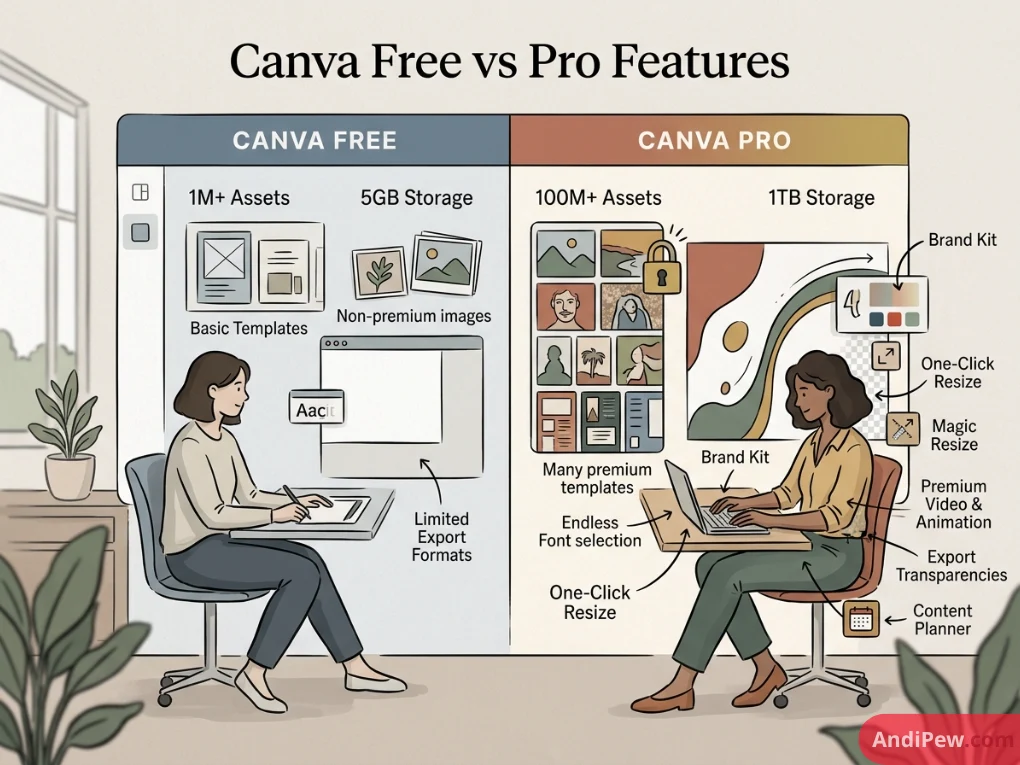
| Price | $0 forever | ~$12.99/mo (or $119.99/year) |
| Templates Available | 250,000+ free templates | 1,000,000+ premium & free templates |
| Stock Assets (Photos, Audio, Video) | Hundreds of thousands of free assets | 100M+ premium stock photos, videos, & audio |
| Cloud Storage | 5 GB | 1 TB (1,000 GB) (or up to 100 GB depending on tier/region) |
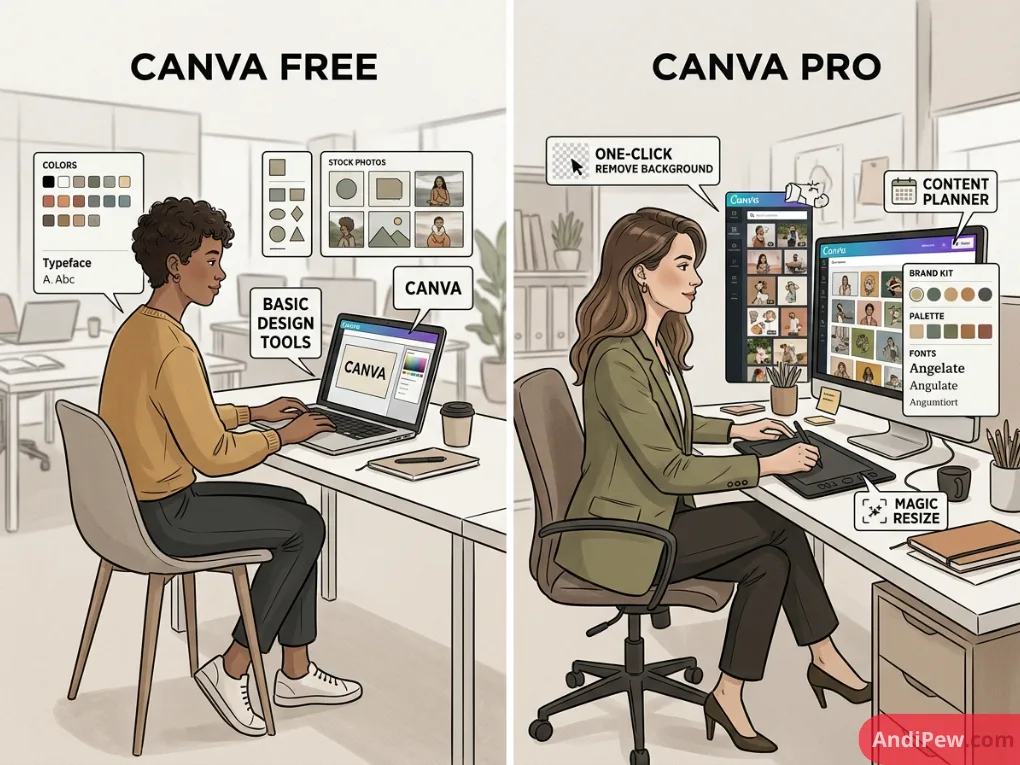
| Background Remover | ❌ No (Requires manual workarounds) | ✅ Yes (One-click photo & video background removal) |
| Magic Resize & Switch | ❌ No (Must recreate manual dimensions) | ✅ Yes (Instant multi-platform resizing) |
| Brand Kit | ❌ Very limited (1 color palette, up to 3 colors) | ✅ Full (Up to 100 Brand Kits with logos, fonts, & colors) |
| Transparent PNG Export | ❌ No | ✅ Yes |
| Custom Font Uploads | ❌ No | ✅ Yes (Upload OTF, TTF, WOFF) |
| Social Media Scheduler | ❌ No | ✅ Yes (Direct scheduling to 8+ social platforms) |
| AI Tools (Magic Studio) | Limited usage credits | Extended AI uses (Magic Eraser, Magic Expand, Magic Grab) |
| SVG & High-Res CMYK Vector Export | ❌ No SVG download | ✅ Yes (High-res SVG, CMYK print-ready PDF) |
Detailed Feature Breakdown: Canva Free vs Pro Features
Understanding the Canva free and pro difference requires looking past the template count and examining how these tools affect your daily productivity.
+-------------------------------------------------------------------+
|                        CANVA ECOSYSTEM                            |
|                                                                   |
|   +--------------------------+    +---------------------------+   |
|   |        CANVA FREE        |    |         CANVA PRO         |   |
|   |  - 250k+ Free Templates  |    |  - 100M+ Stock Assets     |   |
|   |  - 5 GB Cloud Storage    |    |  - One-Click BG Remover   |   |
|   |  - Standard Export (JPG) |    |  - Magic Resize           |   |
|   |  - Basic Design Editor   |    |  - Transparent PNG & SVG  |   |
|   +--------------------------+    |  - Unlimited Brand Kits   |   |
|                                   +---------------------------+   |
+-------------------------------------------------------------------+
1. Stock Content & Premium Elements Library
On Canva Free, you can access a solid library of free elements, photos, and graphics. However, you will constantly stumble upon items marked with a small golden crown. If you use a Pro element on a free account, Canva applies an unremovable crisscross watermark unless you purchase a one-off license.
With Canva Pro, you unlock the entire digital vault: 100+ million high-definition stock photos, vector illustrations, sound effects, audio tracks, and stock videos at no extra cost. This eliminates the need for third-party stock subscriptions like Shutterstock or iStock.
2. The One-Click Background Remover (Images & Video)
For e-commerce sellers, thumbnail designers, and marketers, background extraction is a daily necessity.
- On Canva Free, you must export your image, upload it to an external site (like remove.bg), download the cutout, and re-upload it back to your design dashboard.
- On Canva Pro, the Background Remover tool isolates any subject from a photo or video in one single click without leaving your canvas.
3. Magic Resize and Transform
If you design a graphic for an Instagram post (1080×1080) and need the same design for a YouTube thumbnail (1280×720), a Pinterest pin, and a Facebook banner:
- On Canva Free, you have to create a blank document for every dimension and manually copy, paste, and reposition every single text block and graphic element.
- On Canva Pro, Magic Resize adapts your existing design into multiple platform dimensions simultaneously in seconds.
4. Brand Kits and Typography Management
Consistency is crucial when managing a personal brand or corporate identity.
- Canva Free: Restricts you to basic color presets without custom font uploading.
- Canva Pro: Lets you establish complete Brand Kits. You can store official corporate logos, define custom hex color palettes, and upload proprietary company fonts (TTF/OTF files) so your whole creative output remains strictly on-brand.
5. Transparent Backgrounds & SVG Export
Transparent graphics are essential for logos, digital stickers, merch design, and website assets.
- Canva Free forces all exported PNGs and JPEGs to have a solid background color (usually white).
- Canva Pro allows direct export with a transparent background and provides vector SVG downloads, allowing graphics to scale to billboard size without pixelation.
6. Cloud Storage and Organization
- Canva Free provides 5 GB of cloud asset storage.
- Canva Pro expands your workspace up to 1 TB (1,000 GB), allowing you to upload hours of 4K raw video, high-resolution product photography, and massive design archives without running out of room.
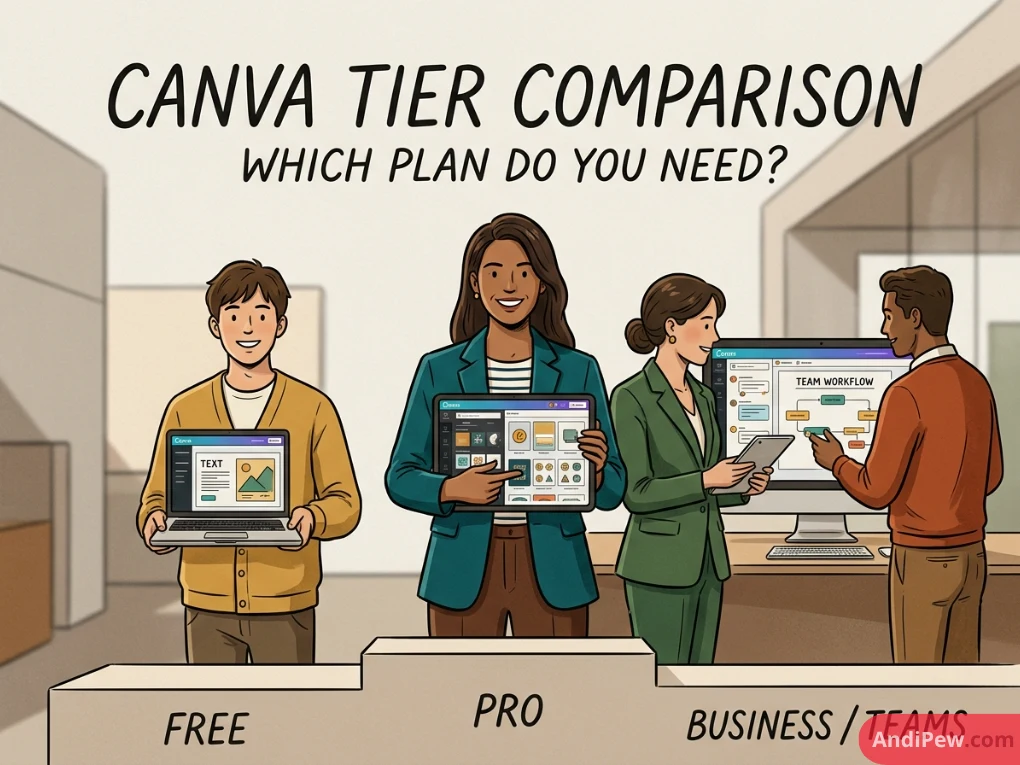
Canva Free vs Pro vs Business / Teams: Which Tier Do You Need?
Canva has structured its pricing tiers to cater to everyone from hobbyists to global enterprise teams. If you are collaborating with multiple users, here is how Canva Free vs Pro vs Business (Canva for Teams) line up:
+-----------------------------------------------------------------------------------+
|                            CANVA PLAN PROGRESSION                                 |
|                                                                                   |
|  [ Canva Free ]        [ Canva Pro ]             [ Canva Teams / Business ]       |
|  - 1 User              - 1 User                  - Multi-User (Per Seat)          |
|  - $0/month            - ~$12.99/mo              - ~$14.99–$25/mo per user        |
|  - Personal Use        - Solo Freelancers        - Approval Workflows             |
|  - 5 GB Storage        - Content Creators        - Centralized Assets & SSO       |
+-----------------------------------------------------------------------------------+
1. Canva Free
- Best for: Casual hobbyists, students making classroom presentations, and individuals with sporadic design needs.
- Limitation: Restricted assets, no background eraser, limited AI, 5 GB storage.
2. Canva Pro
- Best for: Freelancers, solopreneurs, bloggers, real estate agents, and marketing contractors who work independently.
- Key Advantage: Full suite of Magic tools, unlimited asset library, 1 TB storage, and custom brand capabilities.
3. Canva Teams / Business
- Best for: Small businesses, marketing agencies, distributed remote teams, and growing companies.
- Key Advantage: Everything in Pro plus collaborative approval workflows, activity logging, template locking, single sign-on (SSO), and shared team folders.
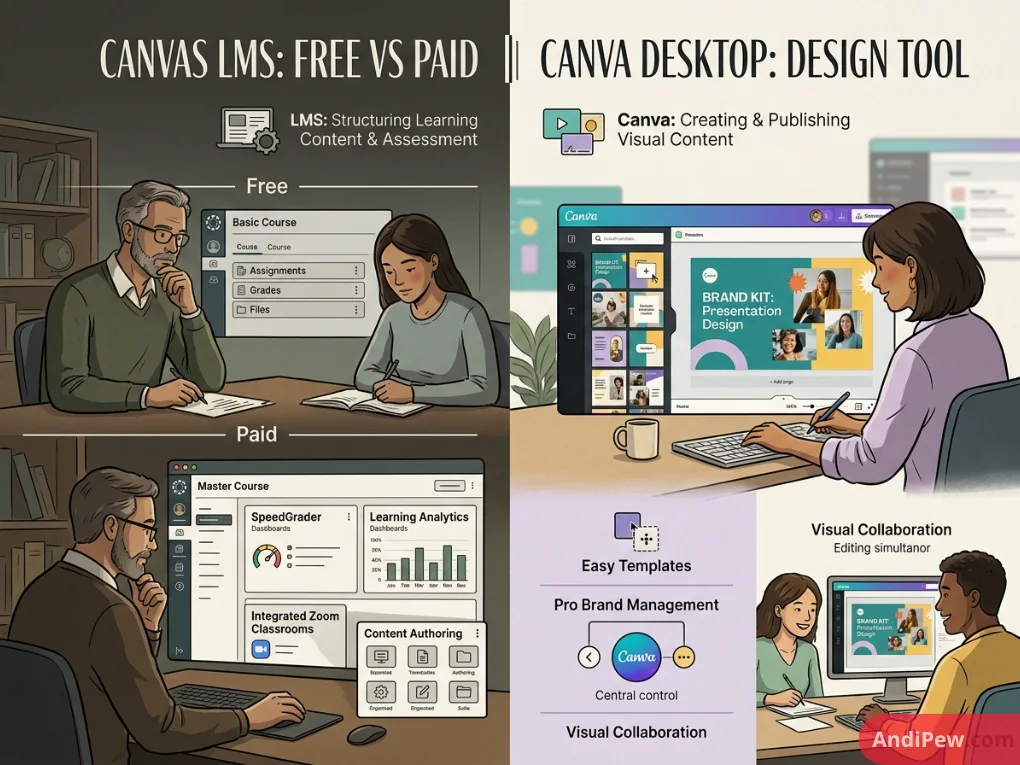
Important Distinction: Canvas LMS Free vs Paid vs Canva
A frequent point of confusion among students and educators searching for design options is the difference between Canva (the visual design suite) and Canvas LMS (the learning management system developed by Instructure).
- Canva (Free/Pro/Education): A graphic design and multimedia creation platform used to create worksheets, posters, presentations, and social graphics.
- Canvas LMS (Free for Teacher vs Institutional Paid): An educational portal used by universities and schools to assign homework, submit tests, track grading rubrics, and deliver online coursework.
Note: While Canva integrates inside Canvas LMS as an LTI app, they are entirely separate software platforms owned by different companies.
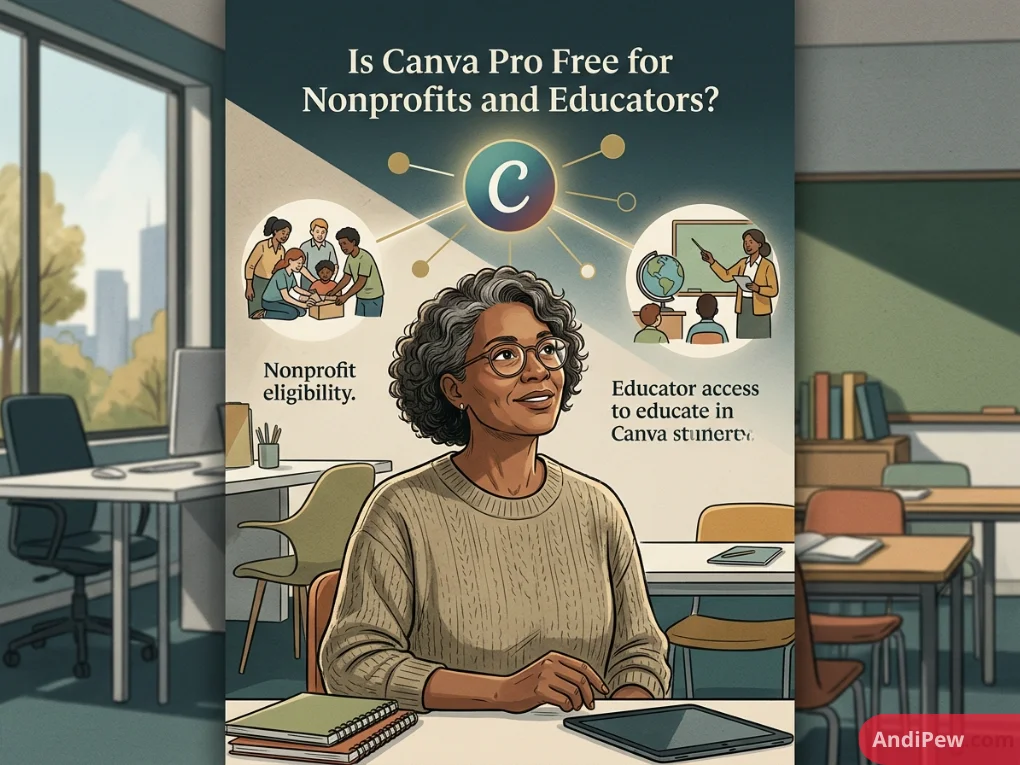
Is Canva Pro Free for Nonprofits and Educators?
One of Canva’s most generous initiatives is its social impact program:
- Canva for Nonprofits: If your organization is a verified 501(c)(3) public charity or holds equivalent registered non-governmental charity status internationally, you can apply for Canva Pro completely free for up to 50 team members.
- Canva Pro free for Education: Certified K-12 teachers, school administrators, and their students get 100% free access to Canva’s premium educational suite, including classroom collaboration tools and LMS integrations.
If you represent an eligible nonprofit, make sure to submit your official determination letter on Canva’s application portal rather than paying for a standard commercial subscription.
Canva Free vs Pro Reddit: What Real Users Say
When exploring community feedback on forums like Reddit (specifically r/graphic_design, r/smallbusiness, and r/Canva), user sentiment generally breaks down into clear themes:
- The “Time-Is-Money” Consensus: Freelancers repeatedly state that the time saved by the Background Remover and Magic Resize pays for the monthly cost within the first two hours of work each month.
- Transparent PNG Exports: Print-on-demand creators (Etsy, Redbubble, Amazon Merch) consistently mention that the inability to export transparent PNGs makes the Free version unviable for commercial goods.
- Casual Users Are Happy with Free: Users who only make one or two birthday cards, church flyers, or simple social banners per month find Canva Free more than sufficient.
Canva Pricing: What Does It Cost?
| Plan | Monthly Billing | Annual Billing (Discounted) |
| Canva Free | $0 | $0 |
| Canva Pro (1 User) | ~$12.99 – $14.99 / month | ~$119.99 / year (~$10/mo effective) |
| Canva Teams / Business | ~$14.99 – $25.00 / user / month | Scaled annual tier pricing |
Tip: Canva offers a risk-free 30-day free trial for Canva Pro. You can test every premium feature, build your Brand Kits, and decide if the workflow improvements justify keeping the subscription.
Step-by-Step: Getting Started with Canva
If you are new to the platform, setting up your workspace is straightforward:
- Sign Up: Learn how to create a Canva account using your Google, email, or Apple credentials.
- Explore the Interface: Review our in-depth Canva dashboard overview to master folder management, templates, and workspace shortcuts.
- Master New Skills: Browse through our curated Canva tutorials to learn professional typographic tricks, layer grouping, and animation techniques.
Final Verdict: Is Canva Pro Worth It?
Is upgrading to Canva Pro worth the investment?
- Stick with Canva Free if: You are a casual user, student, or hobbyist creating occasional personal designs where watermarks and basic export options are not a blocker.
- Upgrade to Canva Pro if: You run a business, build social media content regularly, sell physical or digital merchandise, manage brand assets, or need fast background extraction and transparent exports. At around $10/month on an annual plan, the time saved on asset sourcing and layout adjustments makes Canva Pro an exceptional value.
Frequently Asked Questions (FAQ)
What is the main difference between Canva Free and Canva Pro?
The main difference is access to productivity tools and assets. Canva Pro provides over 100 million stock photos and elements, the one-click Background Remover, Magic Resize, Brand Kits, transparent PNG exports, SVG vector downloads, and 1 TB of storage, whereas the Free plan offers limited templates, 5 GB storage, and standard JPG/PNG downloads.
Can I sell designs made with Canva Free?
Yes, you can sell original designs created in Canva (such as eBooks, client social posts, and templates), provided you follow Canva’s Content License Agreement. You cannot resell standalone Canva stock elements or templates as raw files.
Is Canva Pro free for nonprofits?
Yes. Registered 501(c)(3) organizations and eligible international charities can apply for the Canva for Nonprofits program to receive Canva Pro features at no cost for up to 50 users.
Can I cancel my Canva Pro subscription at any time?
Yes. You can cancel your Canva Pro subscription anytime from your account settings. You will maintain access to all Pro features until the end of your current billing period.
What happens to my designs if I downgrade from Canva Pro to Free?
All designs you created remain in your account and will not be deleted. However, if your designs contain premium Pro elements, you will see watermarks upon export unless you resubscribe or replace them with free elements.