
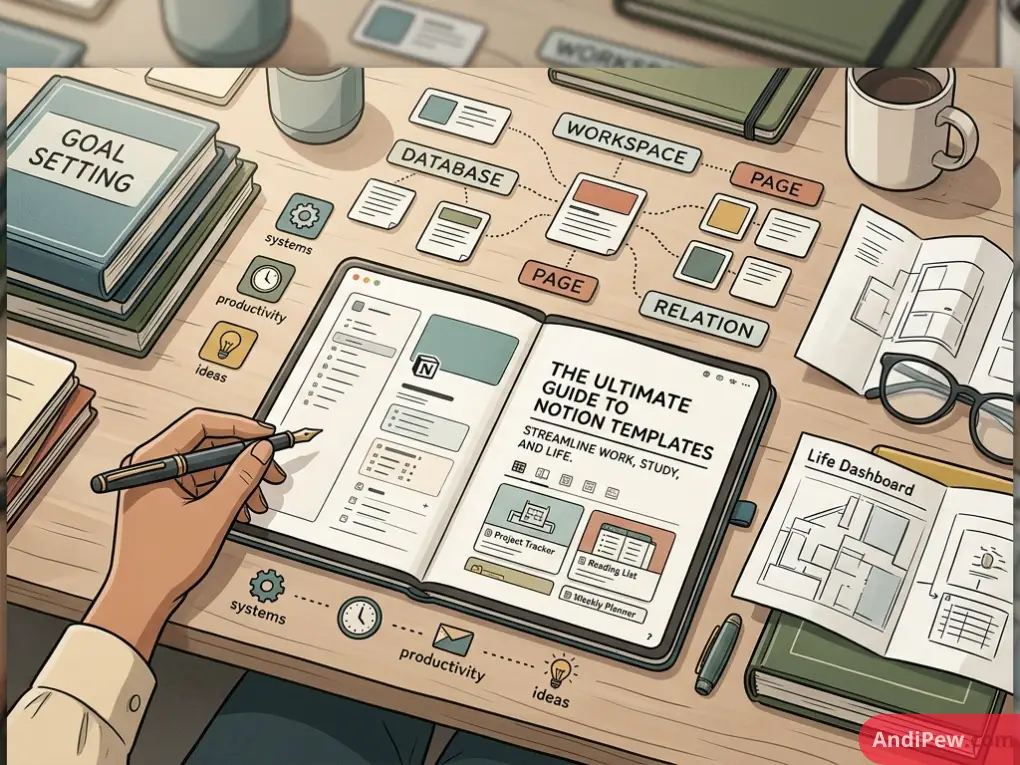
Setting up a digital workspace from scratch can feel daunting. When you open a blank Notion page, the flashing cursor gives you total freedom—but also zero structure. That is where Notion templates come in.
Whether you need a daily habit tracker, a full college semester hub, or a company-wide project dashboard, templates give you proven structures in seconds. In this guide, we break down what templates are, where to find the best free and aesthetic layouts, and how to customize them to match your exact workflow.
What Are Notion Templates?
To understand notion templates meaning, think of them as blueprints for your digital workspace. A template is a pre-configured page—or an interconnected system of pages—that someone else has built, styled, and organized.
Instead of spending hours creating tables, formulas, and visual layouts, you click a single button to clone that exact design into your own Notion account.
A complete template typically includes:
- Pre-built layout structures: Headers, callouts, columns, and visual dividers.
- Functional data structures: Linked Notion database views like Kanban boards, calendars, timelines, and galleries.
- Interactive elements: Embedded Notion formulas and automations for automatic date tracking, progress bars, and status updates.
- Styling assets: Custom cover images, icons, and aesthetic widgets.
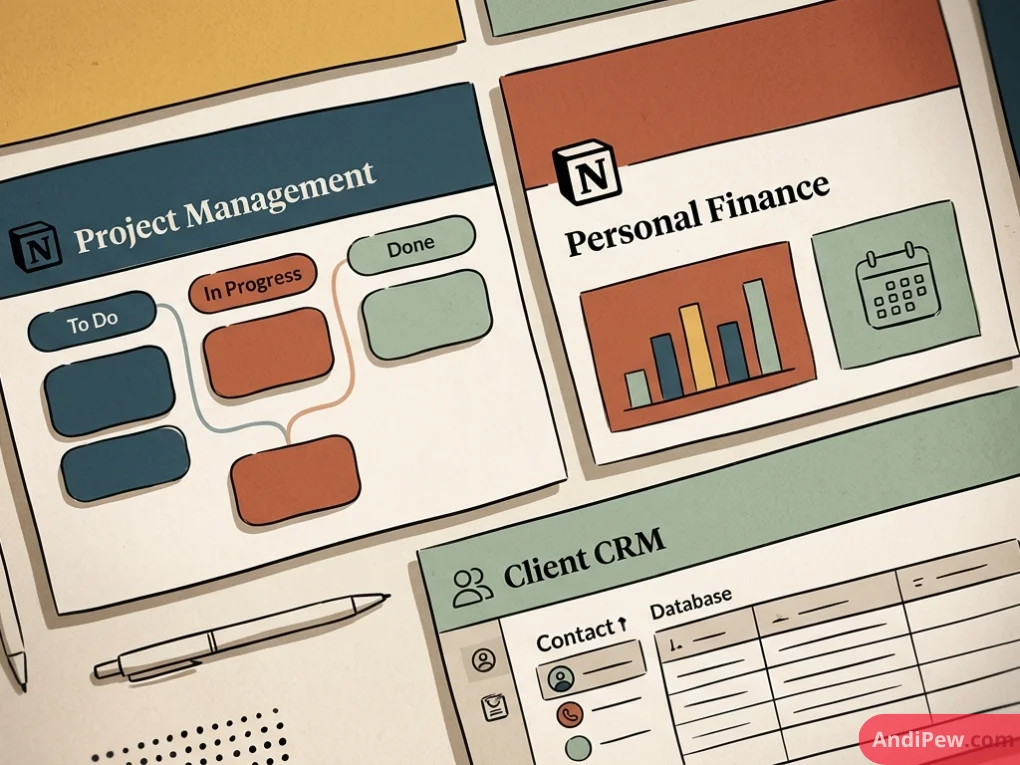
Why Use Notion Templates Instead of Starting from Scratch?
Building from zero can be an enjoyable learning experience, but it is rarely the most efficient path. Utilizing templates delivers distinct operational advantages:
- Instant Time Savings: Skip days of trial and error configuring databases and relations.
- Access to Proven Systems: Benefit from frameworks designed by seasoned project managers, top students, and productivity experts.
- Low Learning Curve: If you are just mastering basic Notion pages and blocks, templates let you use advanced setups without needing to know every technical mechanic upfront.
- Full Customization: Duplicating a template creates an independent instance. You can tweak properties, add fields, or delete sections without breaking the original source.
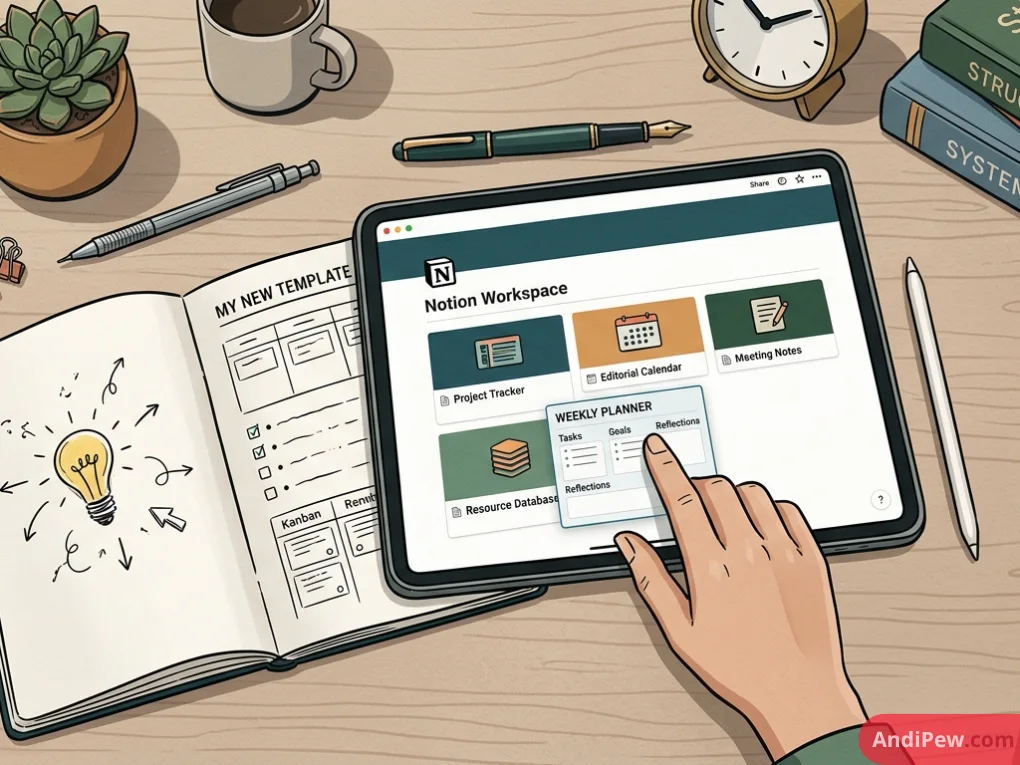
Top Sources to Find Free and Premium Notion Templates
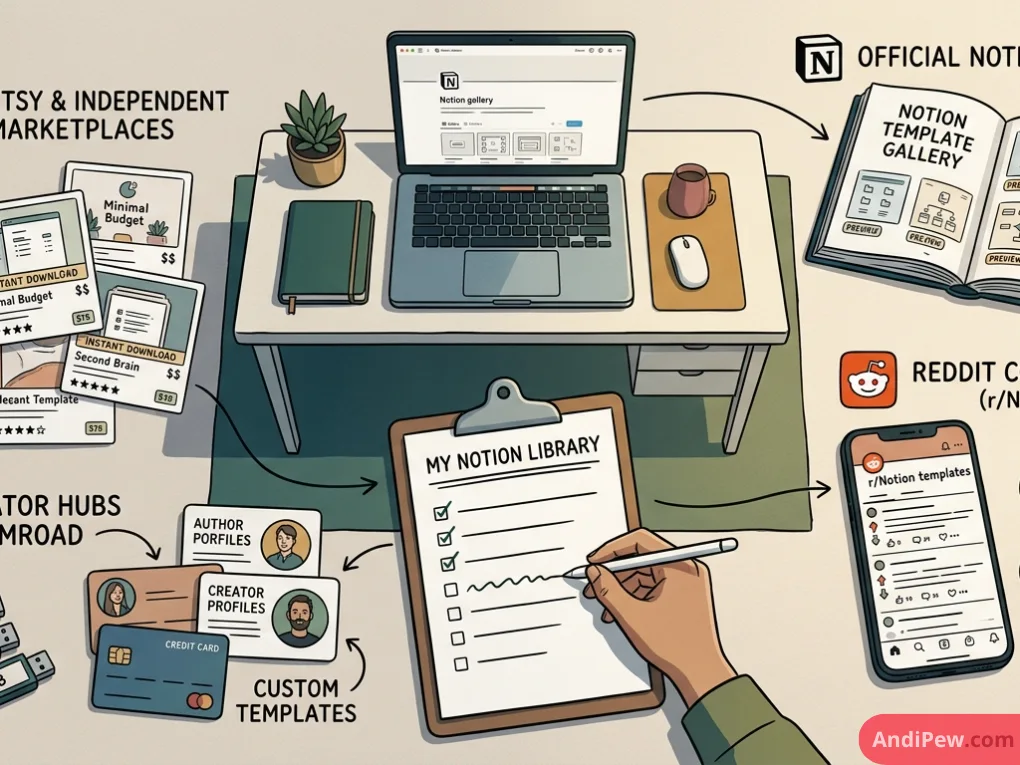
Finding the right template comes down to knowing where to look. Different platforms specialize in different styles and functional depths.
The Official Notion Template Gallery
The notion template gallery is the default marketplace built directly into Notion. It features thousands of verified templates submitted by official Notion ambassadors and power users. You can browse by category, such as engineering, design, personal finance, or education.
Reddit Communities (r/Notion)
If you search for notion templates reddit, you will find one of the most generous creator communities online. The r/Notion subreddit has regular showcase threads where users share notion templates aesthetic free of charge, along with helpful setup guides. It is a fantastic spot to source indie builds and niche trackers.
Etsy and Independent Marketplaces
Searching for notion templates etsy reveals thousands of premium, highly stylized dashboards. Independent creators package life planners, aesthetic study hubs, and small-business OS systems. These often come bundled with custom graphic icon packs, font matching guides, and step-by-step video tutorials.
Creator Hubs & Gumroad
Many productivity YouTubers and Notion-certified consultants distribute both free notion templates and comprehensive paid “Operating Systems.” These tend to focus on advanced relational databases and business management systems.
Comparing Template Categories
| Template Type | Best For | Typical Features | Cost Range |
| Student Hubs | High school, college, and university students | Assignment calendars, GPA calculators, course notes, lecture trackers | Free – $20 |
| Aesthetic / Life | Daily routines, journaling, habit building | Daily planners, mood boards, Spotify embeds, weather widgets | Free – $25 |
| Project Management | Freelancers, dev teams, agencies | Sprint boards, Gantt charts, client portals, resource hubs | Free – $99 |
| Personal Finance | Budgeting, net worth tracking | Expense logs, subscription trackers, debt payoff calculators | Free – $30 |
Notion Templates for Students & College Life
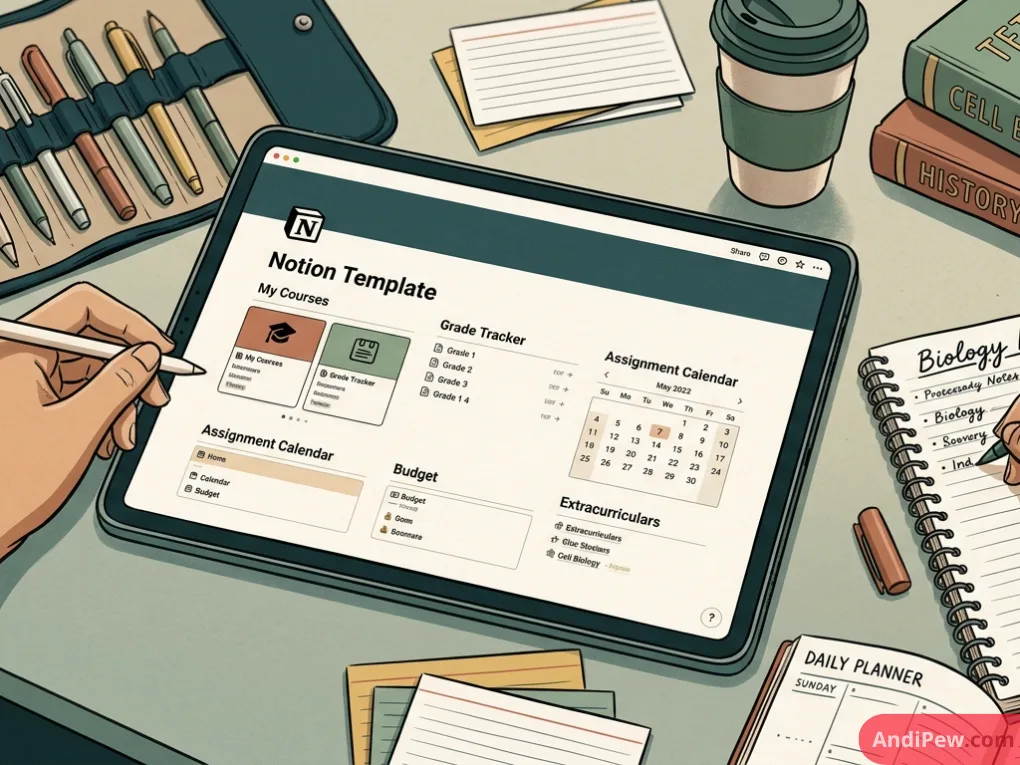
Studying requires juggling syllabus dates, reading assignments, exam schedules, and extracurricular commitments. Notion templates for students transform chaotic course loads into an orderly command center.
Essential Features in Notion Templates for School
- Central Assignment Matrix: A master database tagged by course, weight, and due date that surfaces items due in the next 7 days.
- Cornell Note-Taking Layouts: Pre-formatted toggle lists that hide review questions until you are ready to test your recall.
- Reading & Resource Tracker: A database for PDF uploads, textbook chapter summaries, and citation details.
Why College Students Favor Aesthetic Layouts
For university workloads, notion templates for college students paired with clean visuals make daily planning genuinely enjoyable. Search for notion templates aesthetic student free setups if you want features like:
- Pastel color palettes and matched icon sets.
- Embedded Pomodoro timers and study playlists.
- Minimalist calendars that keep daily to-dos front and center without visual clutter.
Notion Templates for Work and Project Management
Using Notion in a professional environment requires structure, scalability, and strict data organization. High-performing notion templates for work focus on clear operational visibility.
Agile Sprints and Task Boards
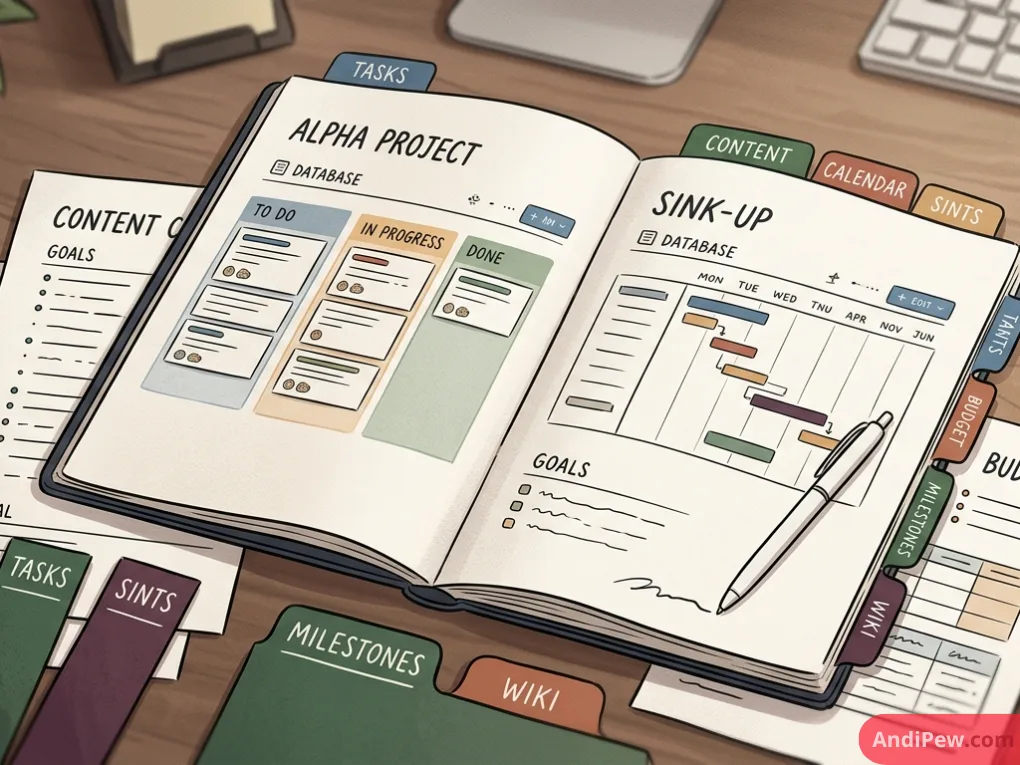
Notion templates for project management typically rely on Kanban and Timeline views. Tasks move through clear lifecycle columns:
- Backlog
- In Progress
- Review / QA
- Completed
By using relational properties, tasks link directly to broader company goals (OKRs), project briefs, and individual team member profiles.
Standard Operating Procedure (SOP) Wikis
A team wiki template provides a single source of truth for onboarding guides, brand rules, tech stack documentation, and communication policies.
Client Portals
Freelancers and agencies often duplicate template pages to create private, shared dashboards for clients. These portals keep project deliverables, invoice records, and feedback links in one central place.
How to Install and Duplicate a Notion Template
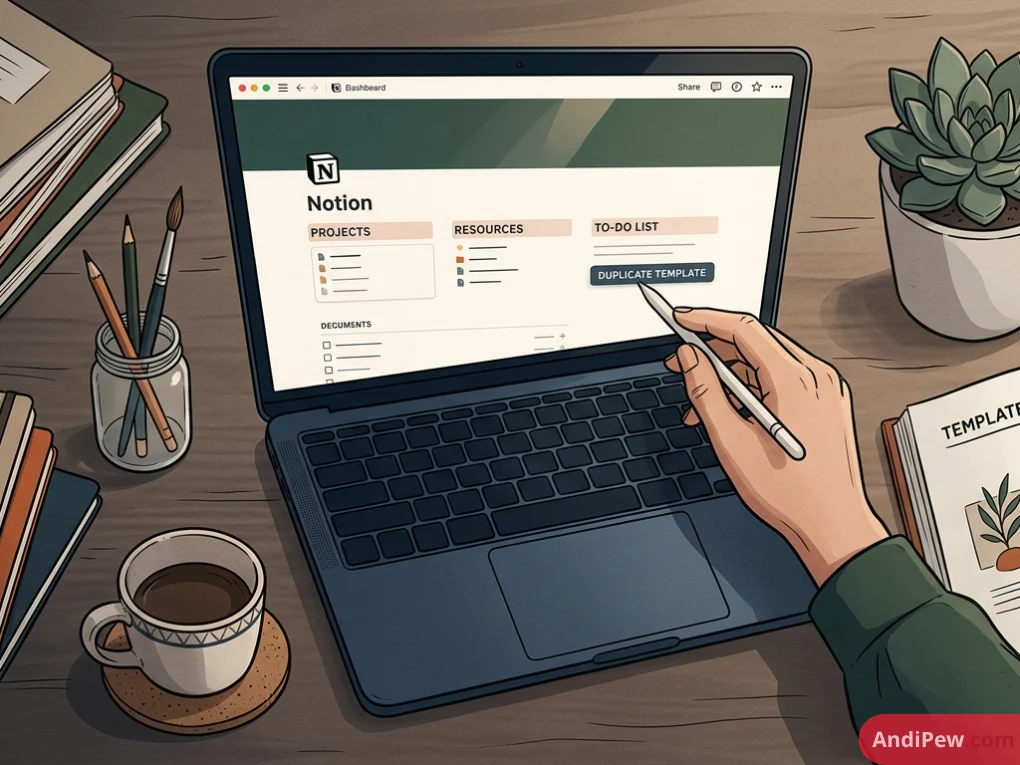
Importing a template into your workspace takes just a few clicks.
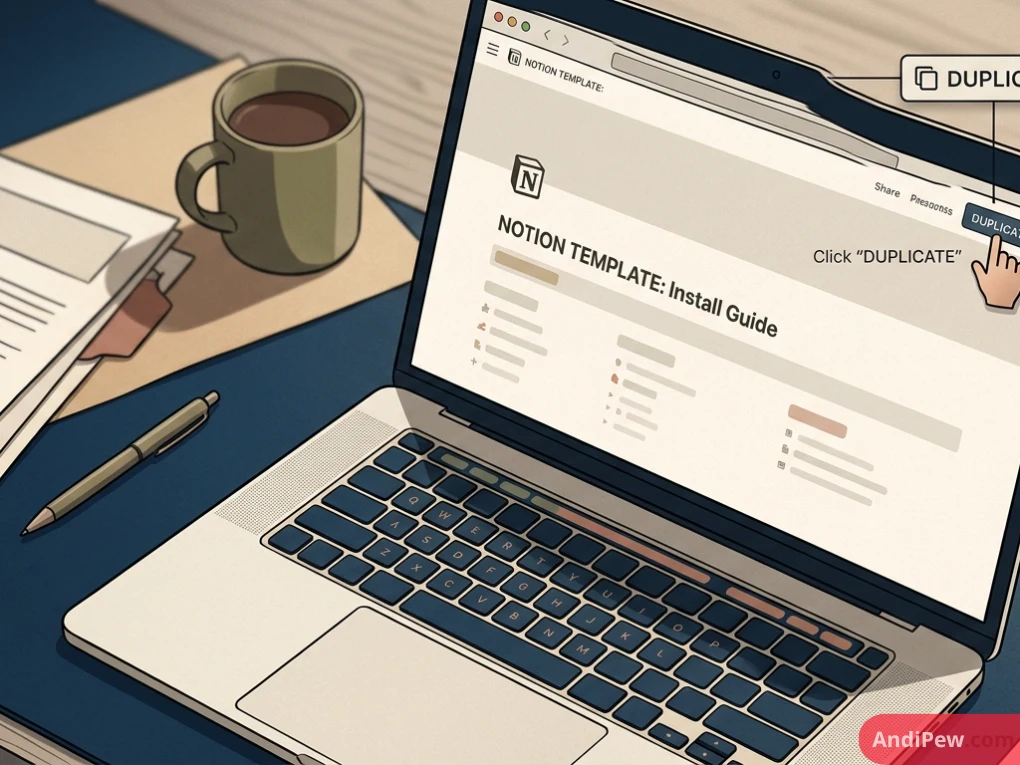
Find a Template: Open any public Notion template link or browse the notion template gallery.
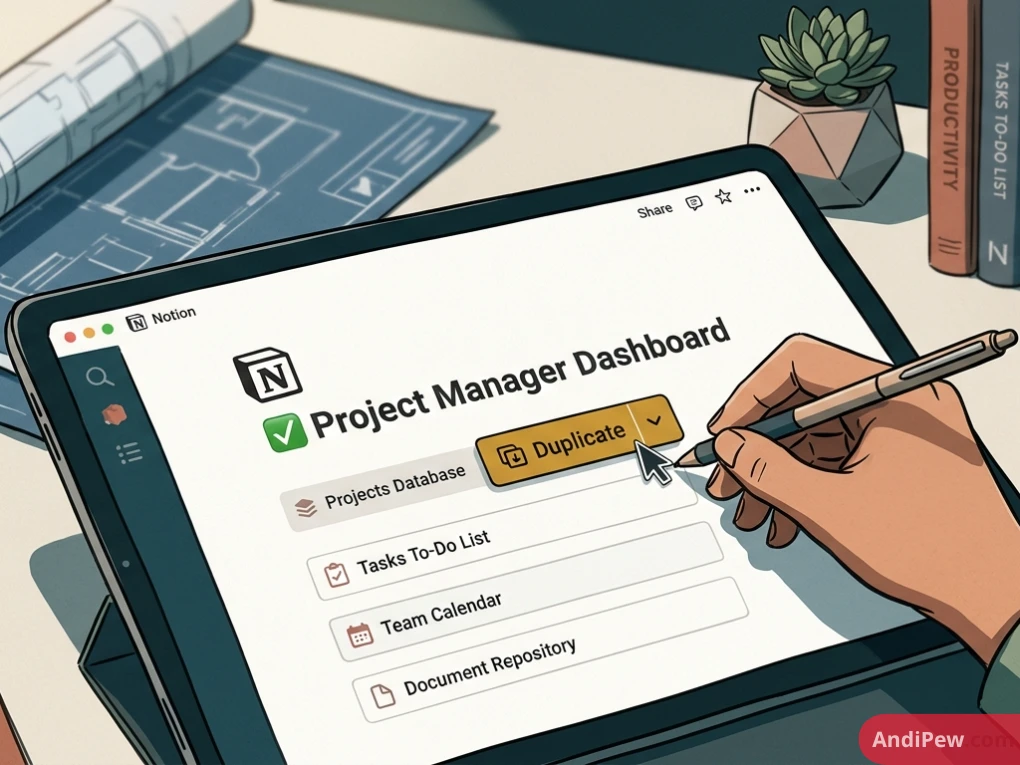
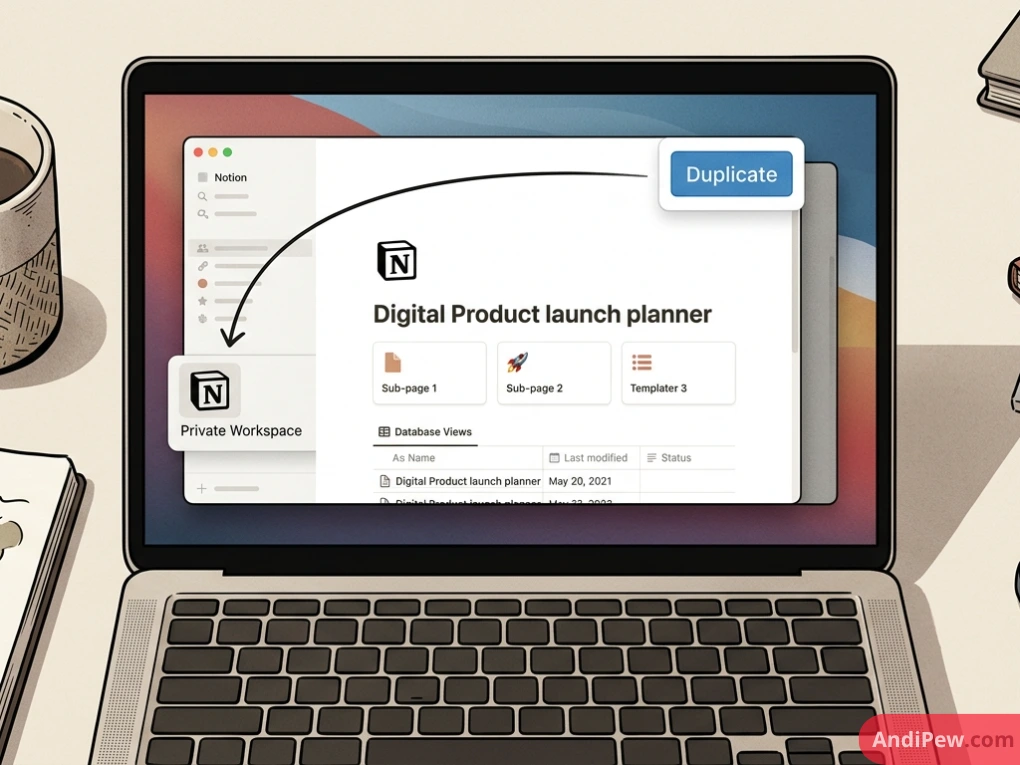
Click Duplicate: Look at the top-right corner of your screen. Click the Duplicate button.
Select Your Workspace: Choose which workspace you want the page copied into.
Begin Customizing: Notion will clone the entire page, including its sub-pages and databases, directly into your private sidebar.
For a deeper dive into foundational concepts before customizing complex setups, review our comprehensive Notion guide.
How to Build and Share Your Own Custom Notion Templates
If you have built a custom dashboard that works well for your routine, you can turn it into a template to share with friends, colleagues, or customers.
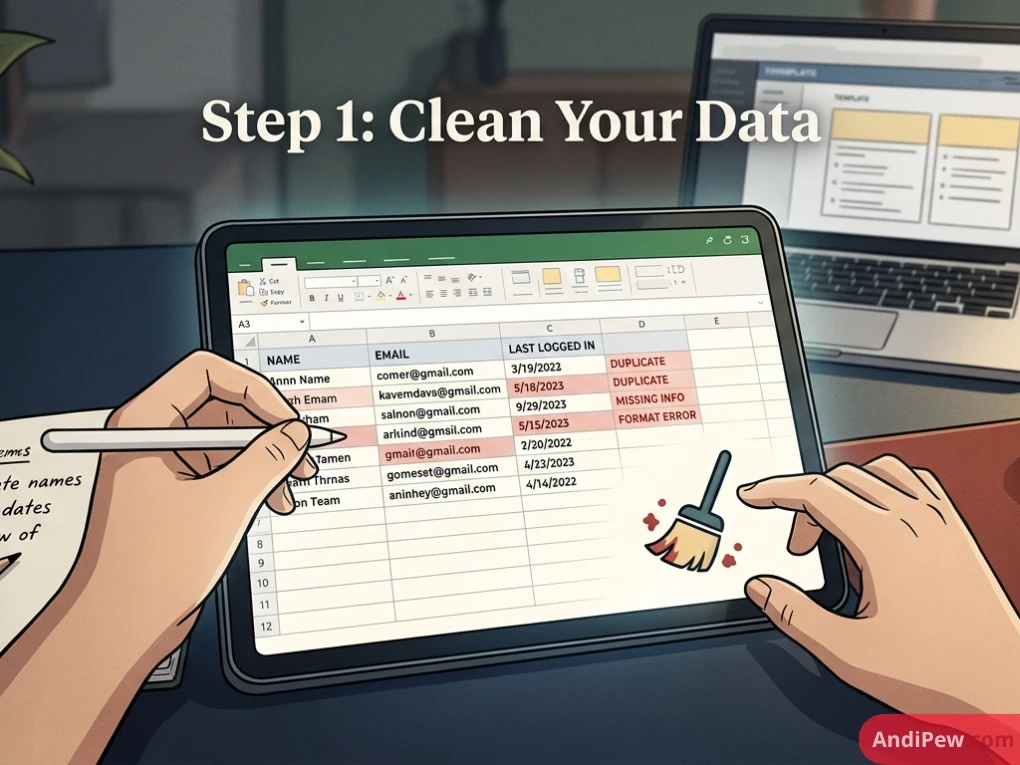
Step 1: Clean Your Data
Before sharing, remove sensitive notes, personal contact details, or private financial records. Leave empty placeholder rows in databases so new users know what properties to fill in.
Step 2: Configure Sharing Permissions
Click the Share button at the top-right of your page.
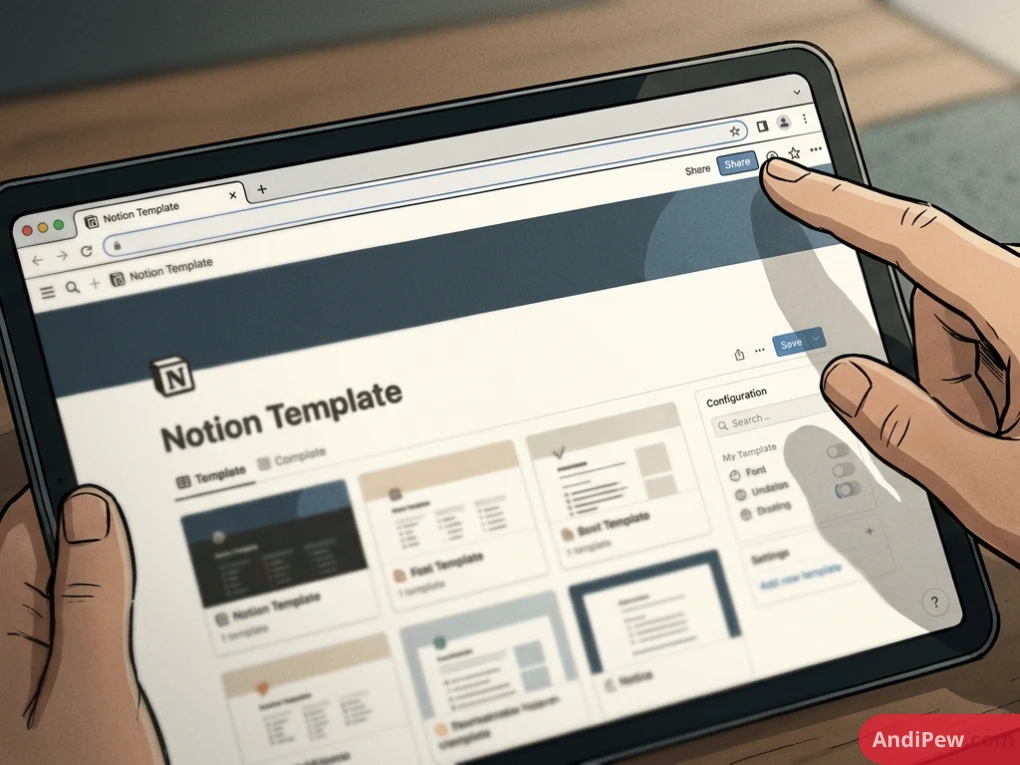
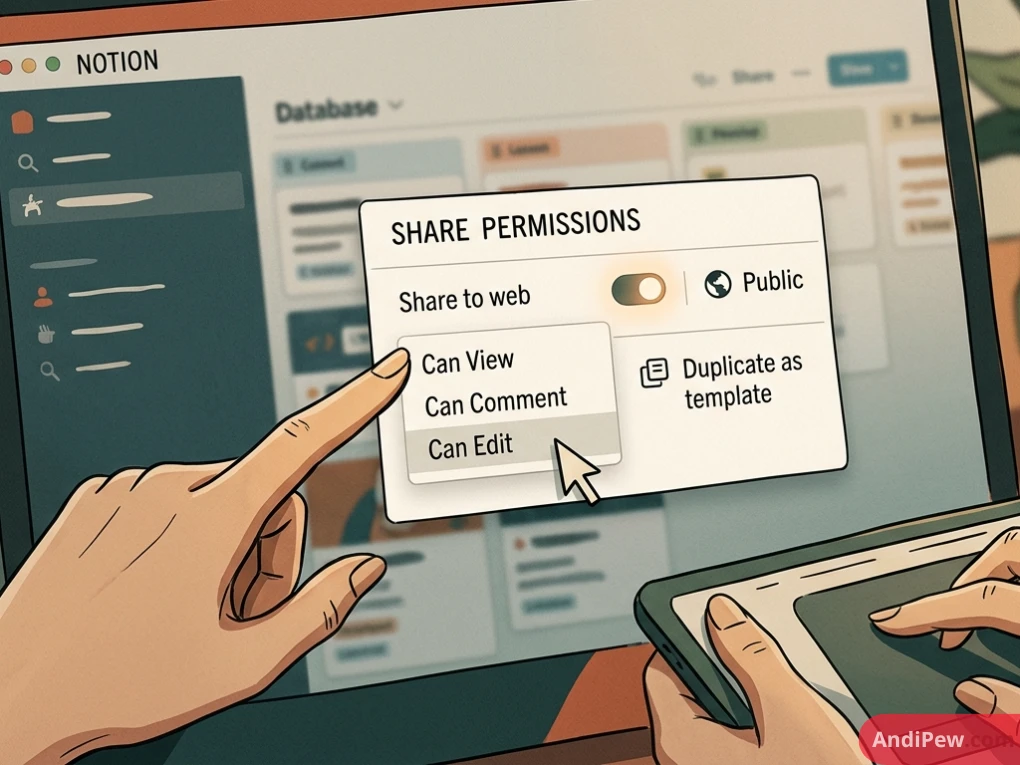
Toggle on Share to Web.
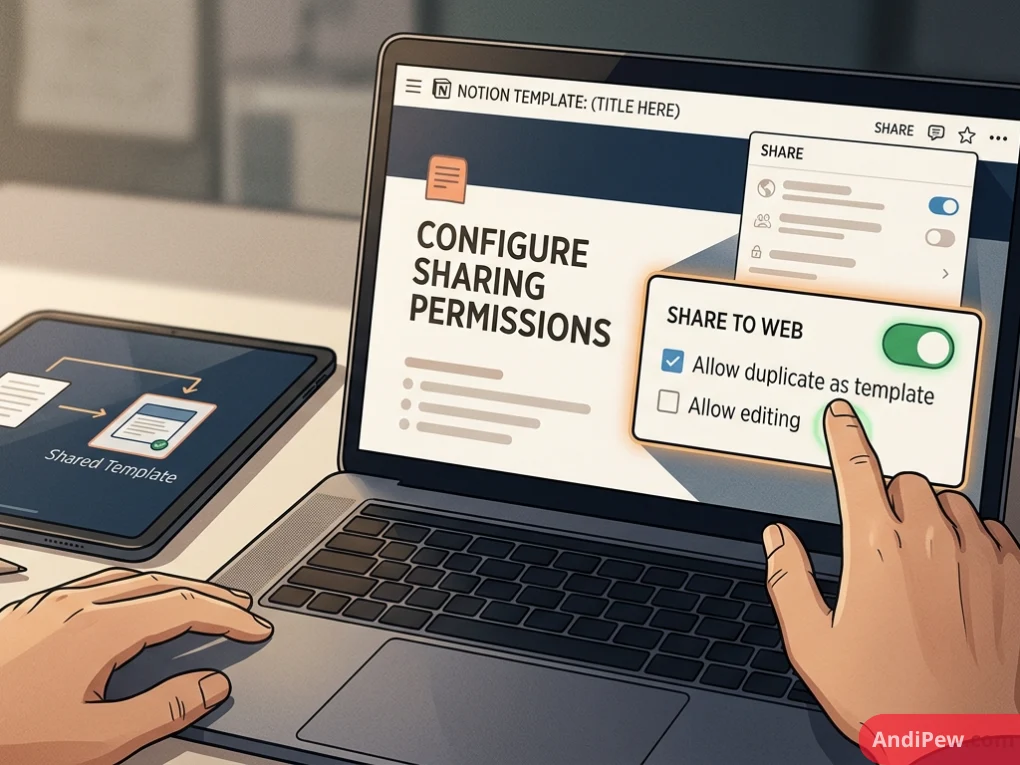
Expand the web publishing settings and ensure Allow duplicate as template is switched ON.
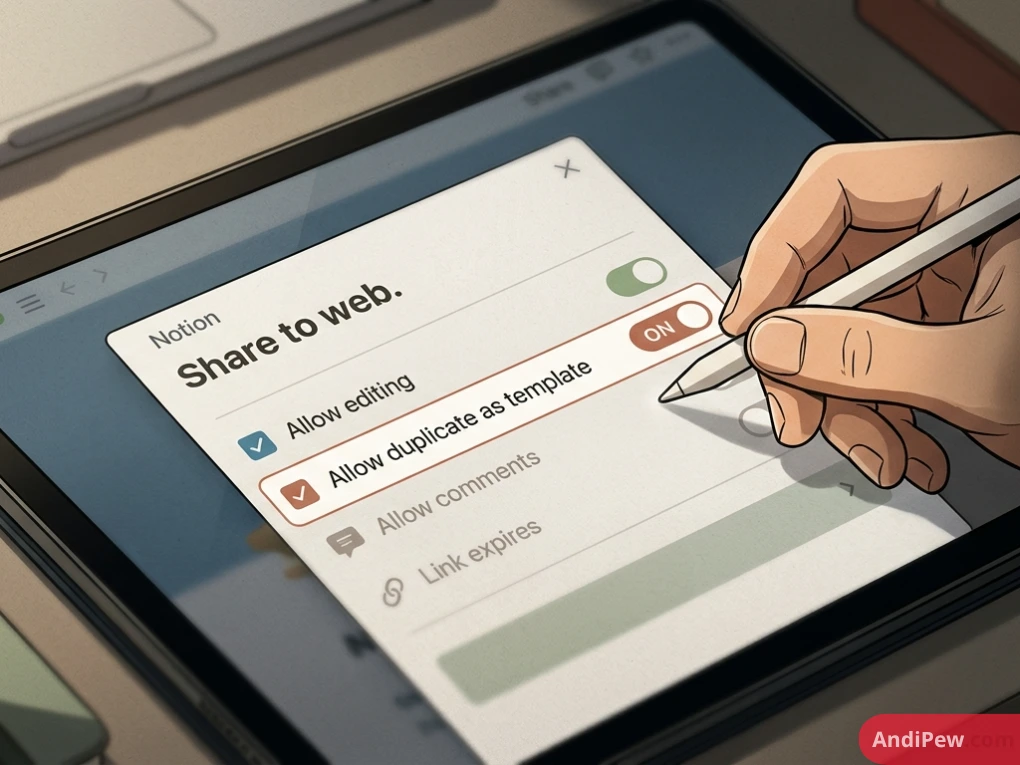
Disable editing and search indexing if you want people to clone the page rather than edit your live version.
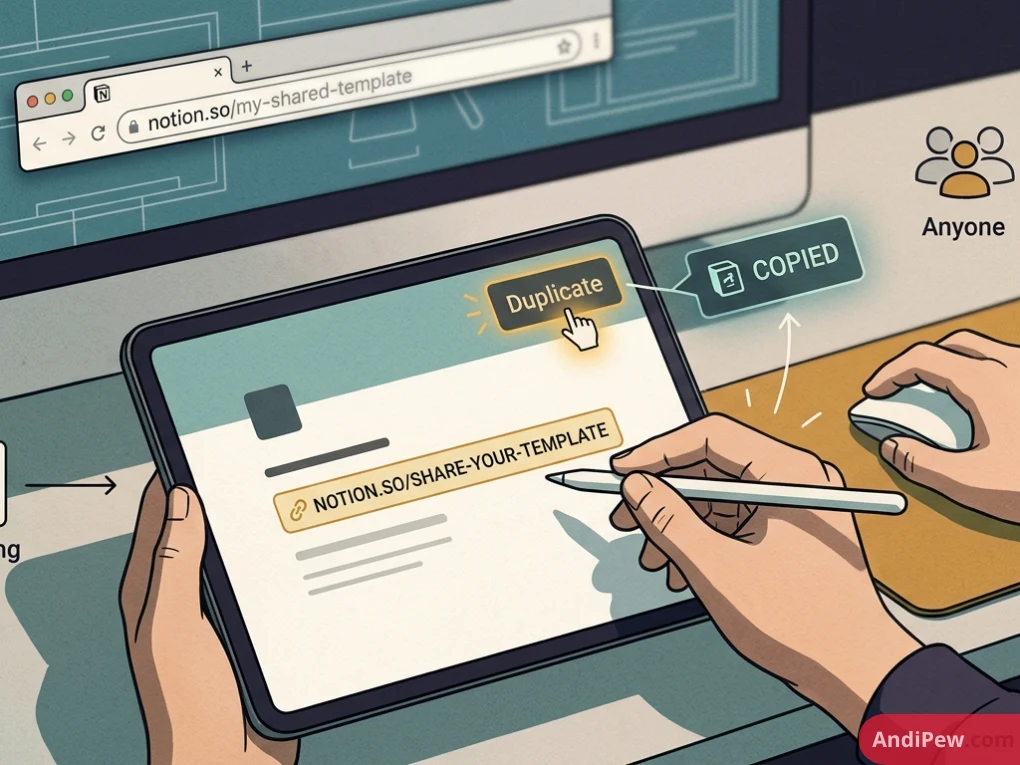
Step 3: Distribute Your Link
Copy the generated web link. Anyone who visits this URL can view the layout and click “Duplicate” to import a clean copy into their own Notion workspace.
Frequently Asked Questions
What is the meaning of a Notion template?
A Notion template is a pre-formatted Notion page or connected workspace that you can duplicate into your account with one click, preserving all databases, layouts, and styles.
Are Notion templates completely free?
Yes. Notion hosts thousands of notion templates free inside its official gallery. You can also find high-quality free community creations across Reddit, Discord, and creator websites.
Can I sell Notion templates on Etsy?
Yes. Selling notion templates etsy has become a popular path for digital creators. Sellers bundle aesthetic themes, student planners, and business operating systems into digital download packages.
Will changing a duplicated template affect the original creator’s copy?
No. Duplication creates an independent, disconnected copy inside your personal account. Any changes, additions, or deletions you make remain strictly within your workspace.
Notion templates take the friction out of building a productivity system. Whether you grab a notion templates free for students layout to organize the upcoming semester, set up a dedicated project tracker for your team, or curate an aesthetic personal dashboard, the right blueprint saves you hours of setup time.
Explore different layouts, duplicate the elements that fit your style, and combine databases to build a workspace that works for you.