Notion has evolved from a niche note-taking app into a powerhouse workspace used by millions of individuals, students, and enterprise teams. Whether you are opening the app for the very first time or trying to untangle complex relational databases, this comprehensive notion guide will walk you through everything you need to know to master the platform.
What is Notion and How Does It Work?
At its core, Notion is an all-in-one workspace that combines notes, documents, project management, and databases into a single, highly customizable digital canvas.
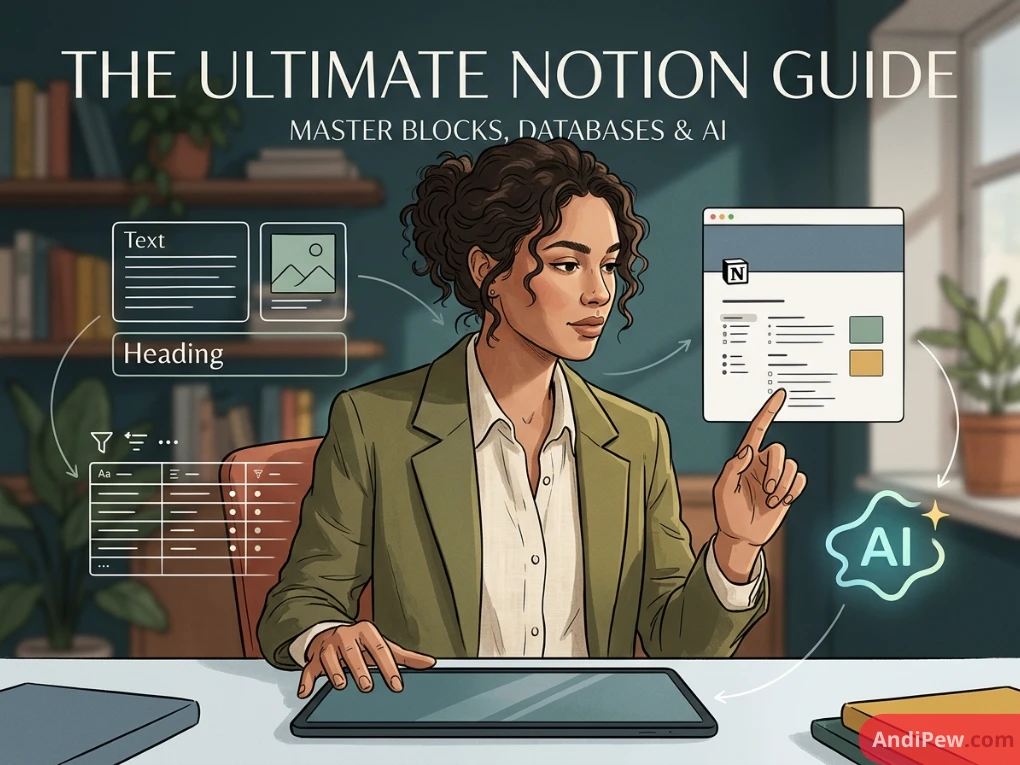
Unlike traditional software that forces you into rigid text documents or spreadsheet rows, Notion operates on a building-block architecture. Every piece of content you create—whether it is a paragraph of text, an image, a checklist, or an embedded video—is an individual “block.”
The Core Building Blocks
- Text Blocks: Standard paragraphs, headings, and bulleted or numbered lists.
- Media Blocks: Images, audio files, code snippets, and web bookmarks.
- Database Blocks: Tables, boards, calendars, and galleries that store and sort structured data.
- Advanced Blocks: Toggle lists, synced blocks (which update across multiple pages simultaneously), and callout boxes.

Getting Started: How to Use Notion for Beginners
If you are just starting your journey to learn Notion, the blank white page can feel intimidating. Here is a step-by-step approach to get your workspace running smoothly.
Sign up using your email or Google account. Choose between a personal workspace or a team workspace depending on whether you are collaborating.

Understand the Sidebar: Navigation hub. The left-hand sidebar is your command center. Here you can create new pages, manage trash, switch workspaces, and access templates.

Master the Slash Command (/): The secret to speed. Type / on any blank line to open the block menu. From here, you can insert headings, tables, databases, or emojis instantly.

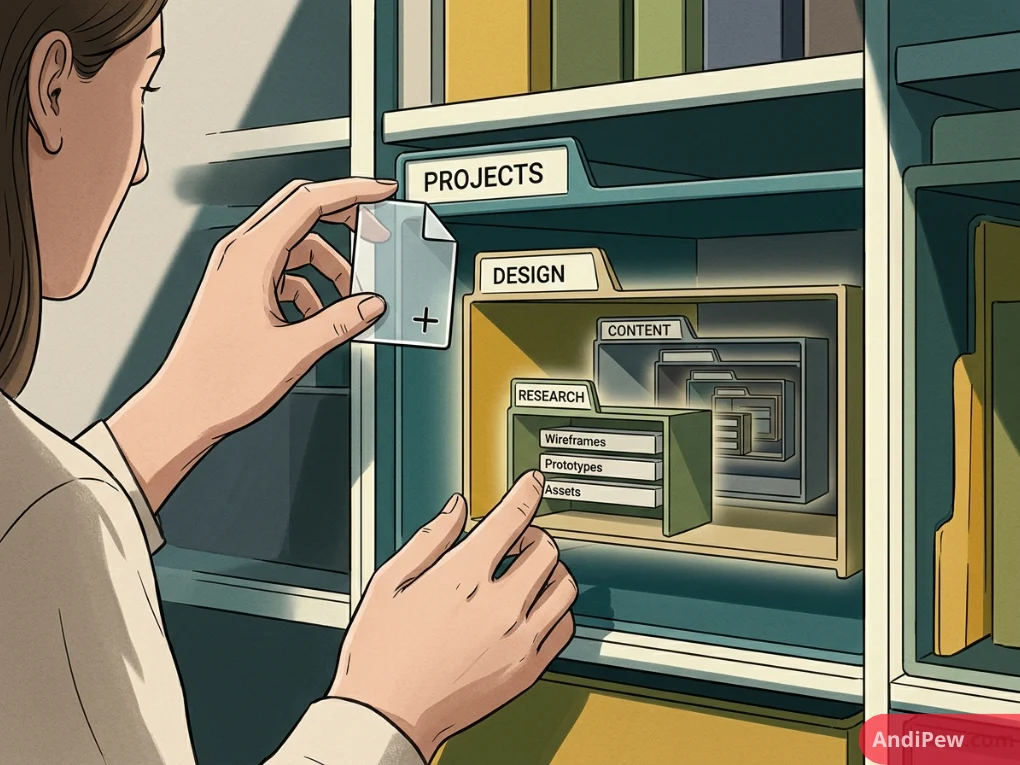
The Ultimate Notion GuideExperiment with Page Nesting: Infinite hierarchy. Hover over any page in your sidebar and click the + icon to create sub-pages. You can nest pages infinitely to build an organized digital filing cabinet.
Mastering Notion Databases & Views
Databases are where Notion truly shines. Instead of treating spreadsheets like static grids, Notion allows you to view the exact same set of data in multiple ways.
| Database View | Best Used For | Key Features |
| Table | Budgets, inventories, master task lists | Traditional rows and columns with formula support. |
| Board (Kanban) | Project management, content pipelines | Drag-and-drop columns grouped by status or priority. |
| Calendar | Editorial calendars, event planning | Month- or week-view of date-assigned properties. |
| Gallery | Recipe books, portfolios, employee directories | Card-based visual layouts with thumbnail previews. |
| List | Simple to-do lists, quick notes | Clean, minimalist vertical text layout. |
Relations and Rollups
To build an advanced system, you can connect different databases using Relations. For example, you can link a “Projects” database to a “Tasks” database. A Rollup then allows you to pull data from a related database—such as calculating the percentage of completed tasks inside a specific project overview.
Notion Guide for Students & University Life
One of the most popular search intents is finding a reliable notion guide for university students. Because academic life requires tracking syllabi, lecture notes, assignment deadlines, and exam schedules, Notion is uniquely suited for campus life.
- Semester Hubs: Create a master dashboard for each semester containing links to individual course pages.
- Cornell Note-Taking: Use toggle lists and multi-column layouts to structure lecture notes using the Cornell method.
- Assignment Trackers: Use a calendar or board view filtered by due dates and priority levels to stay ahead of finals.
- Reading Lists: Track academic papers and textbook chapters with checkboxes, progress bars, and summary toggles.

Advanced Features & Notion AI
Once you are comfortable with the basics, you can supercharge your workspace with advanced features:
- Formulas 2.0: Write custom logic to automate calculations, check date statuses, or display conditional tags.
- Notion AI: Leverage integrated generative AI to summarize long meeting notes, translate text, brainstorm project outlines, or auto-fill database properties.
- Templates & Buttons: Create recurring task buttons or design custom templates to standardize how you start new projects or journal entries.
- Public Sharing & Publishing: Turn any Notion page into a live website with custom domains and SEO settings.

Finding the Best Notion Guide Resources
If you want to dive deeper beyond this article, a wealth of resources is available online:
Notion Guide YouTube Channels: Creators like Thomas Frank, Red Gregory, and Marie Poulin offer comprehensive video walkthroughs and tutorials.

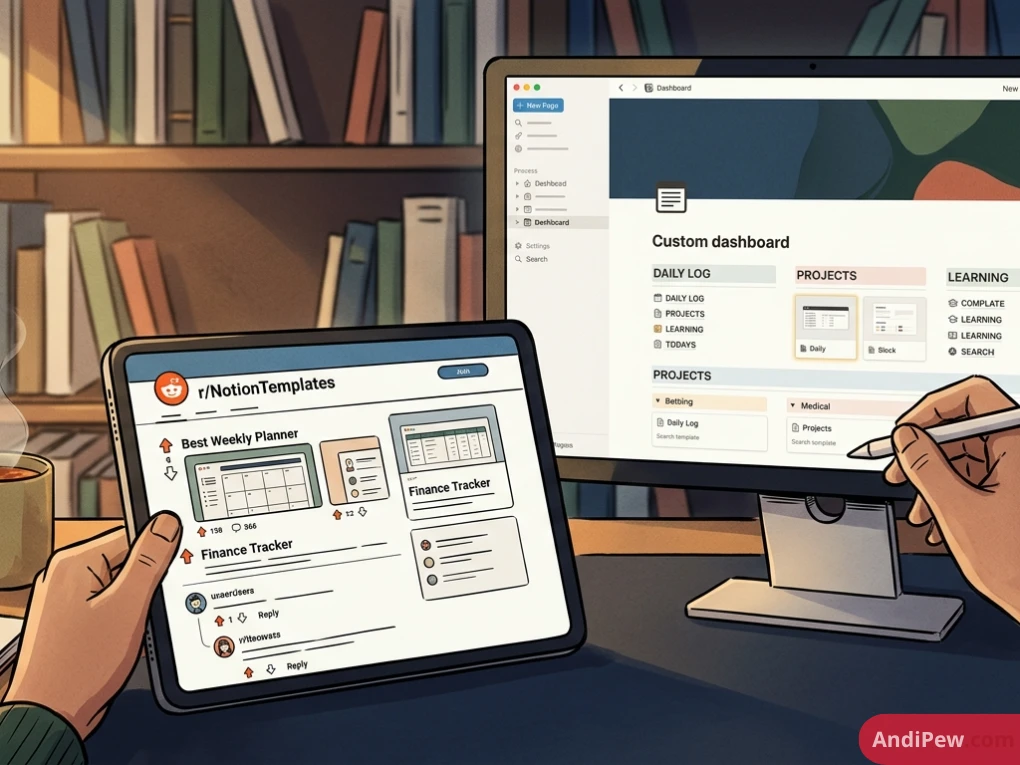
Notion Guide Reddit Communities: Subreddits like r/Notion and r/NotionTemplates are fantastic places to ask questions, share feedback, and discover hidden layout tricks.
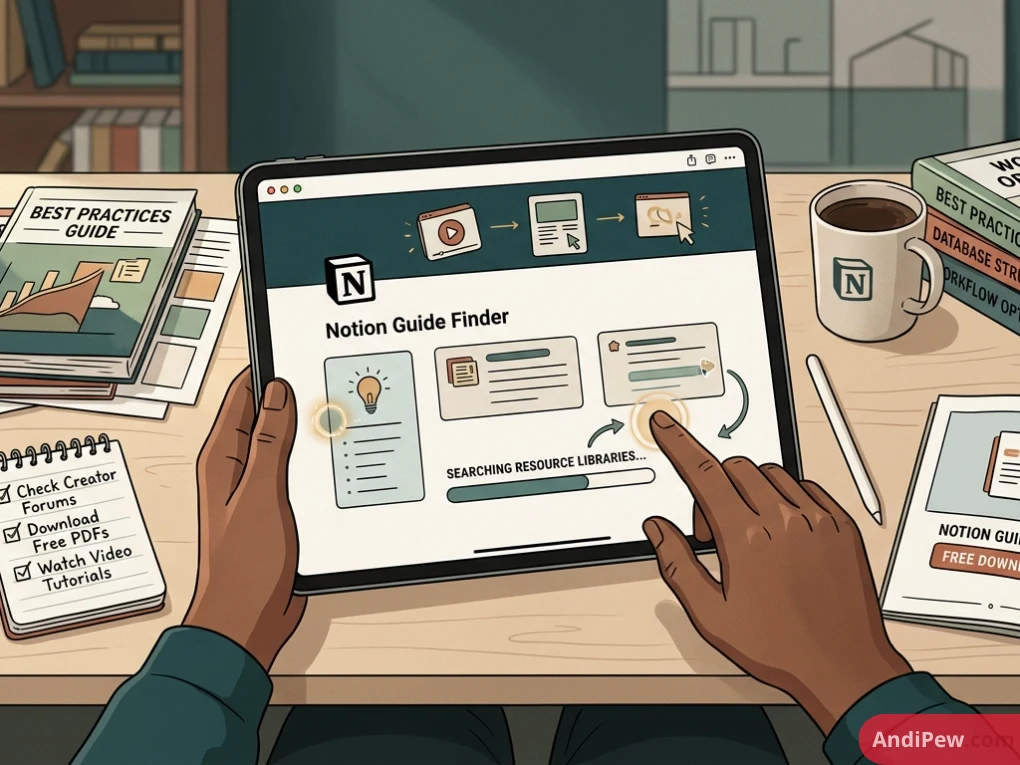
Notion Guide PDFs & Guidelines: Many creators offer a notion guide pdf free download or comprehensive digital guidebooks for offline reference.
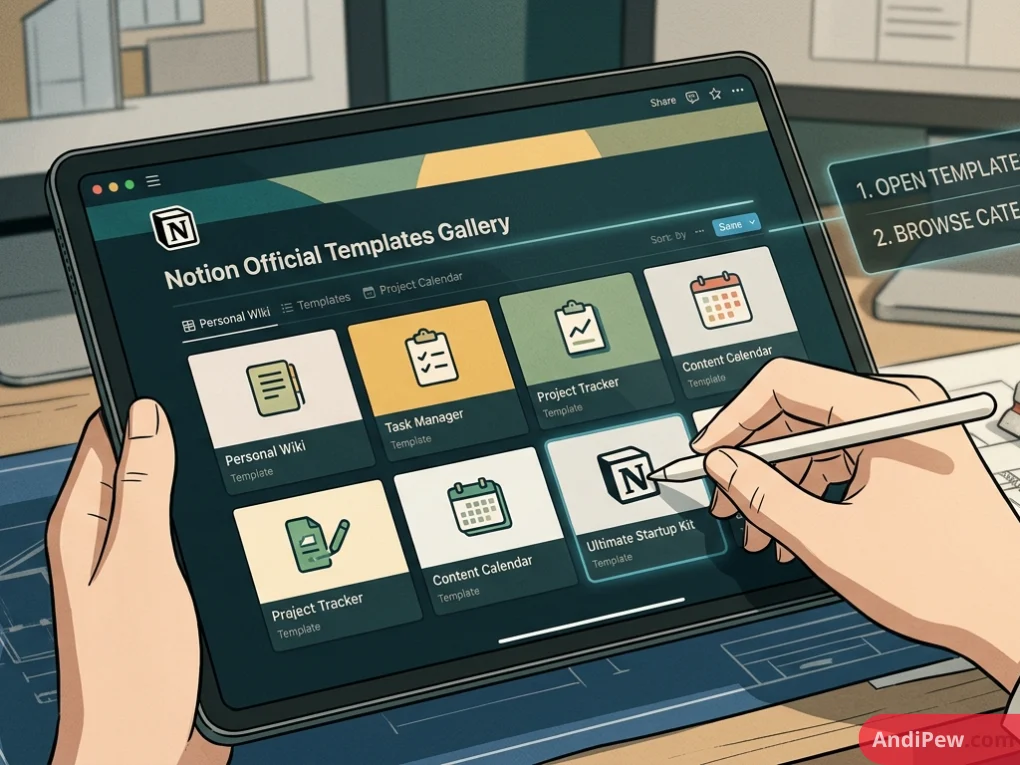
Official Templates Gallery: Explore thousands of community-made and official templates directly within the app to jumpstart your workflow.
Frequently Asked Questions (FAQ)
Is Notion completely free to use?
Yes, Notion offers a robust free tier for individuals that includes unlimited pages, blocks, and basic database features. Paid plans are available for teams, heavy AI users, and advanced automation needs.
Can I use Notion offline?
Notion requires an internet connection for real-time syncing and collaborative editing, but it caches recently viewed pages so you can view and edit them offline on desktop and mobile apps.
How do I find a good Notion guide template?
You can search the official Notion Template Gallery directly from your sidebar or browse curated community sites like Notion Everything and Reddit to find free and paid templates tailored to your specific use case.
Is it hard to learn Notion?
Notion has a slight learning curve if you jump straight into databases and formulas, but the basic text editing is as simple as typing in a standard word processor. Most users become comfortable within a few days of experimentation.
Conclusion
Mastering Notion is a journey of continuous refinement. Start small with simple daily planners and note-taking pages before branching out into complex relational databases and automated workflows. By building a system tailored specifically to how your brain works, you will transform how you manage your projects, studies, and daily life.
Ready to build your first workspace? Open up Notion, hit the slash key, and start creating your custom digital ecosystem today!